


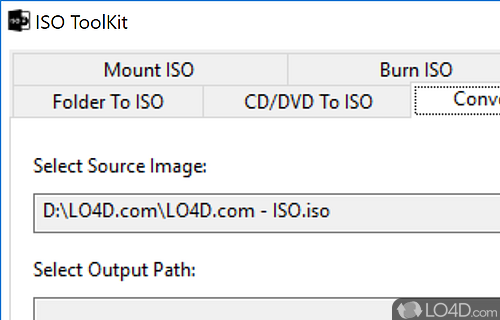
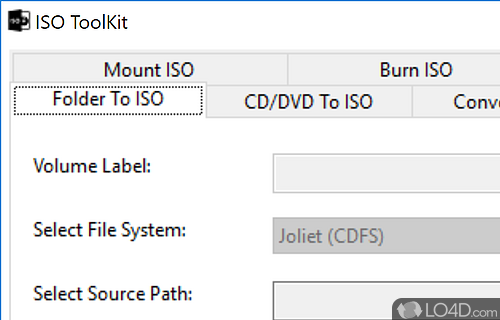
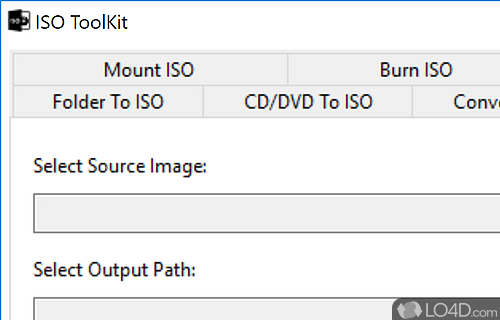
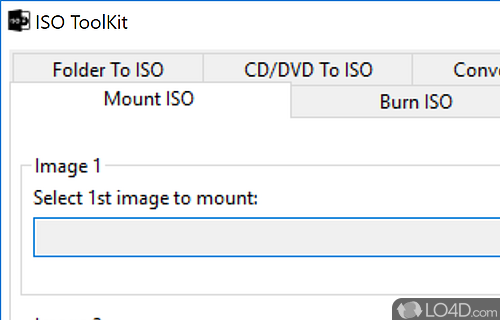
A free and simple tool for creating ISO images to mount or burn them supporting ISO, NRG and CUE files.
ISO Toolkit is a multi-function DVD/Blu-ray image tool which can perform several tasks including format conversion, disk mounting, copying and others.
As a portable application, installing ISO Toolkit is not required. Once you do have it running, the user interface is tabbed including options for creating new images, copy image, convert image, burn image, mount image and extract image. Most of these are self-explanatory indeed.
ISO Toolkit supports a couple of different image formats such as ISO, NRG and CUE. You can create them or extract the contents of them. The application can also burn entire images to an optical disk like a DVD-R or CD-R. Apart from the, what's contained in the main interface is as far as it goes feature-wise for ISO Toolkit.
Overall, a useful program which can help manage the contents of an ISO/NRG/CUE CD/DVD image file.
Features of ISO Toolkit
- Analyze: Analyze and view content of ISO images.
- Burn: Quickly burn ISO images to CD/DVD/Blu-ray discs.
- Compress: Compress ISO images to take up less space.
- Convert: Convert ISO images to other formats such as IMG, NRG and BIN.
- Create: Easily create ISO files from existing files and folders.
- Edit: Edit the ISO image boot information to customize the bootable process.
- Extract: Extract specific files or folders from ISO images.
- Integrity: Check the integrity of ISO images to make sure they are not corrupted.
- Merge: Merge multiple ISO images into one.
- Modify: Make modifications to existing ISO images by adding, deleting or replacing files.
- Mount: Mount ISO images as hard disks accessible on Windows.
- Secure: Secure your ISO images with a password to prevent unauthorized access.
- Split: Split large ISO images into smaller ones.
- Unpack: Quickly unpack ISO files to explore the contents or to make further modifications.
- Verify: Verify the ISO images for any errors to make sure the images are valid.
Compatibility and License
Is ISO Toolkit free to download?
ISO Toolkit is provided under a freeware license on Windows from disc utilities with no restrictions on usage. Download and installation of this PC software is free and 7.1 is the latest version last time we checked.
Is ISO Toolkit for Windows 10?
Yes. It can run on a PC with Windows 11 or Windows 10. It comes in both 32-bit and 64-bit downloads.
Filed under:
- ISO Toolkit Download
- Free Disc Utilities
- Portable Software
- ISO Burning Software
- Software for Windows 10